Clinician conversations work better when you bring patterns, not scattered anecdotes. A short summary can be built in 15 minutes.

Step 1: Define your review window
Use the most recent 2-4 weeks. This window is short enough for practical recall and long enough for trends.
Step 2: Highlight repeating patterns
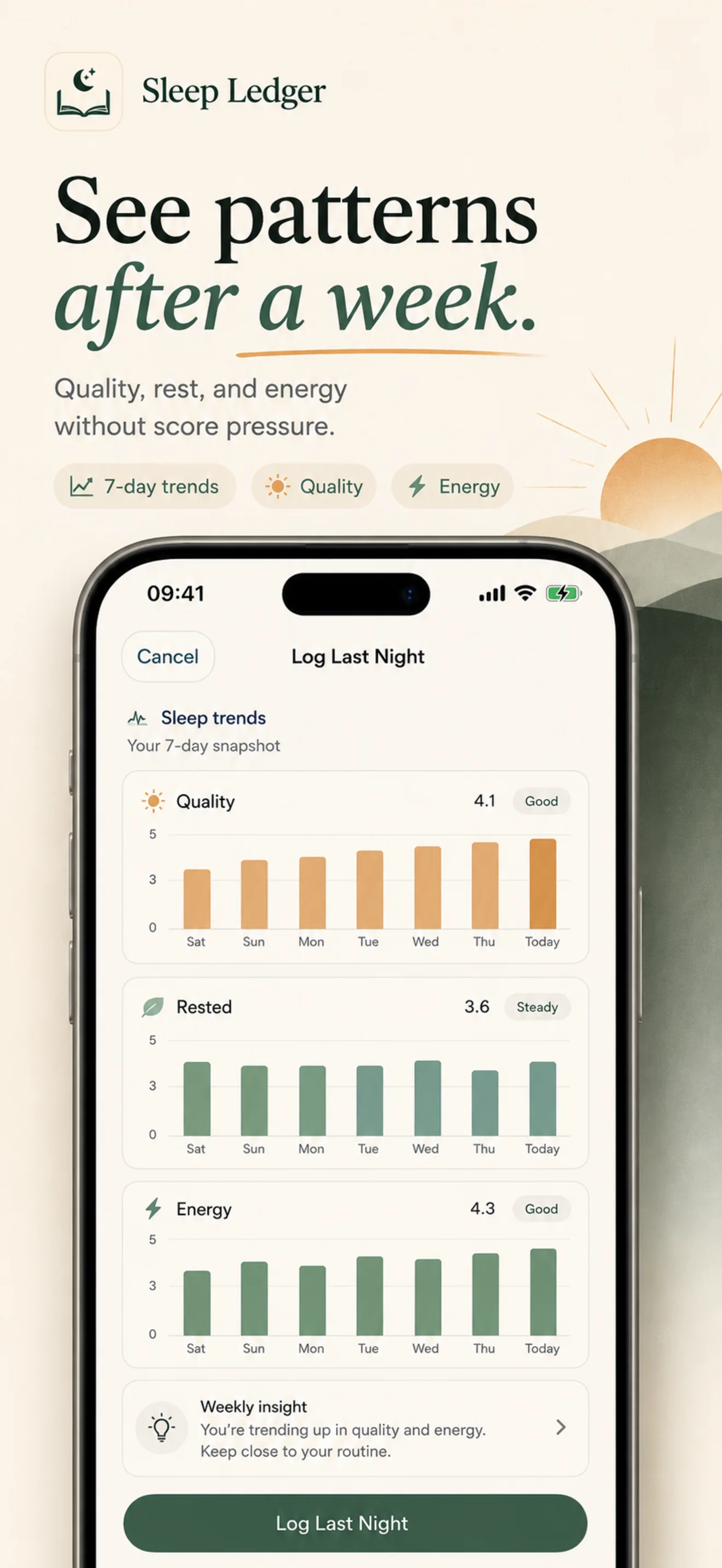
Focus on repeat events instead of one-off nights:
- Bedtime variability
- Clusters of low quality nights
- Daytime energy dips after specific routines
Step 3: Add context notes
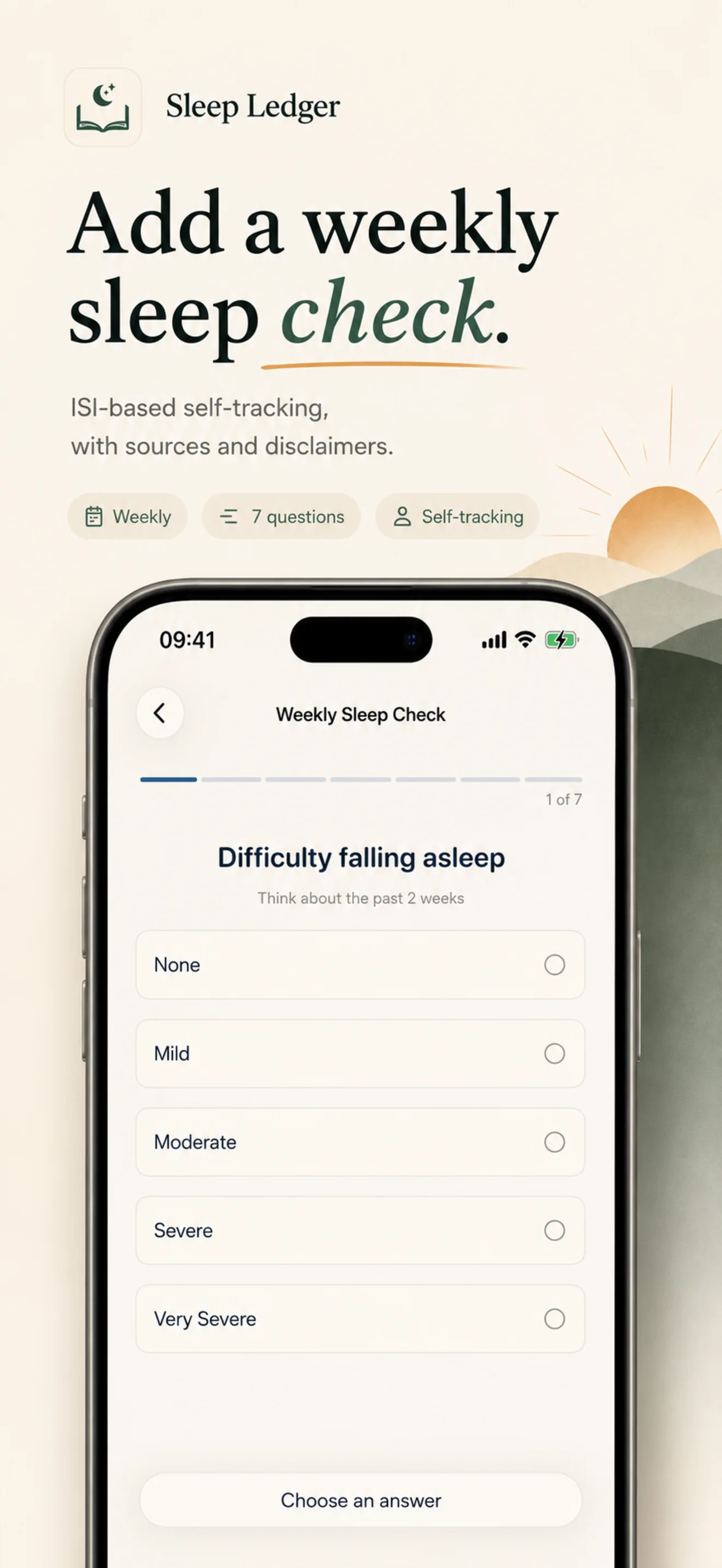
For each pattern, add one sentence of context such as stress periods, travel, or schedule shifts. This helps separate environmental causes from persistent symptoms.
Step 4: Export and annotate
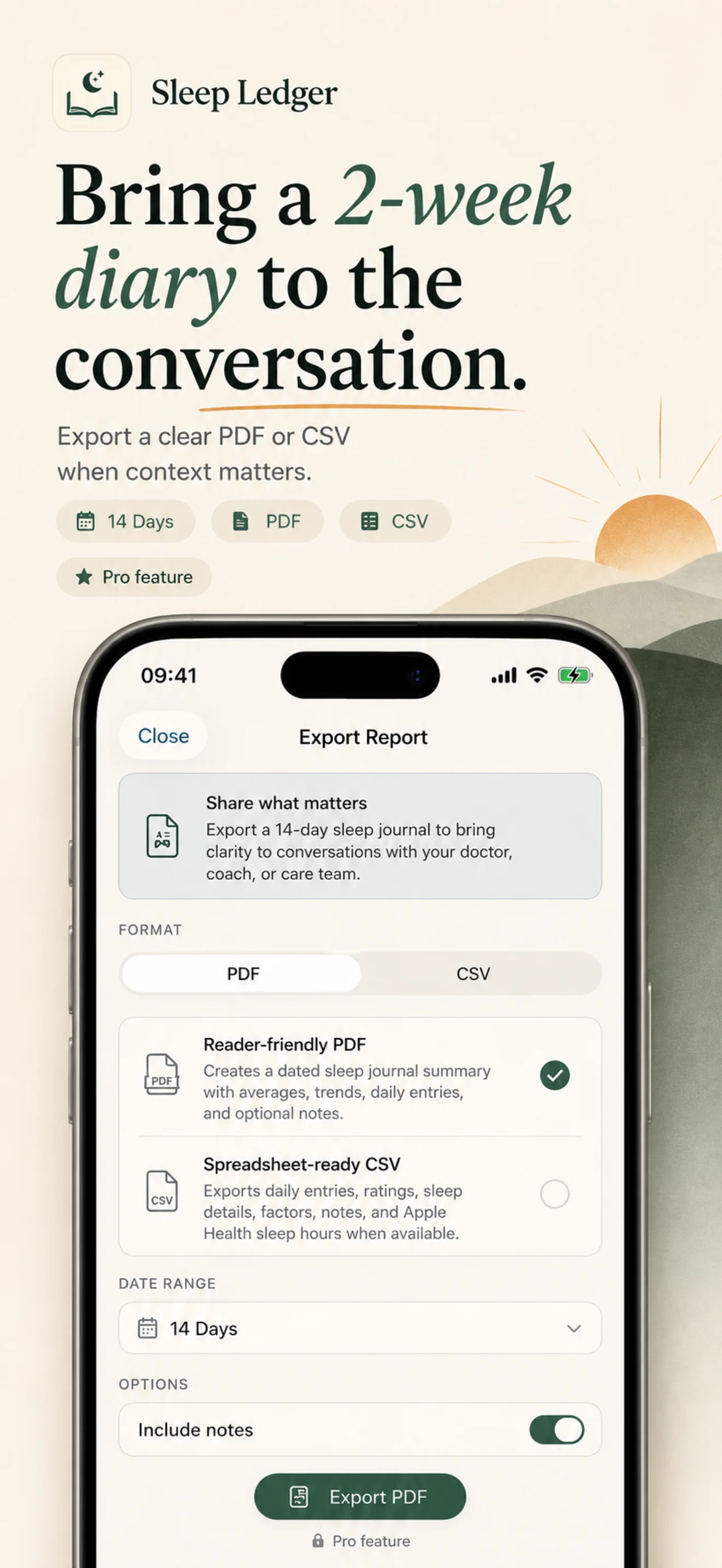
Export your summary before the appointment. Add two or three specific questions you want answered, such as whether current symptoms justify further evaluation.
SleepLedger Pro includes PDF and CSV exports so you can generate and share concise summaries without copying data manually. This is a supporting workflow, not the main daily job. Learn more about Pro features or read our privacy policy to understand how your data is protected.